Building for a platform that didn't exist yet
When I joined Vidcast it was a small internal tool with under 500 users and no design system, no accessibility framework, and no clear product pillars. My role was to own the design end-to-end — which meant doing everything from defining what the product actually was, to shipping every feature, to building the infrastructure that would let us scale.
The three questions I needed to answer: How do people create content on Vidcast? How do they consume it? And how does it spread? Those became the three pillars — Creation, Consumption, Discoverability — that structured everything for the next three years.
Three pillars. Every feature had a home.
Creation
Recording, editing, AI-enhanced video generation, desktop companion app, mobile app. If making a video is hard, nothing else matters.
Consumption
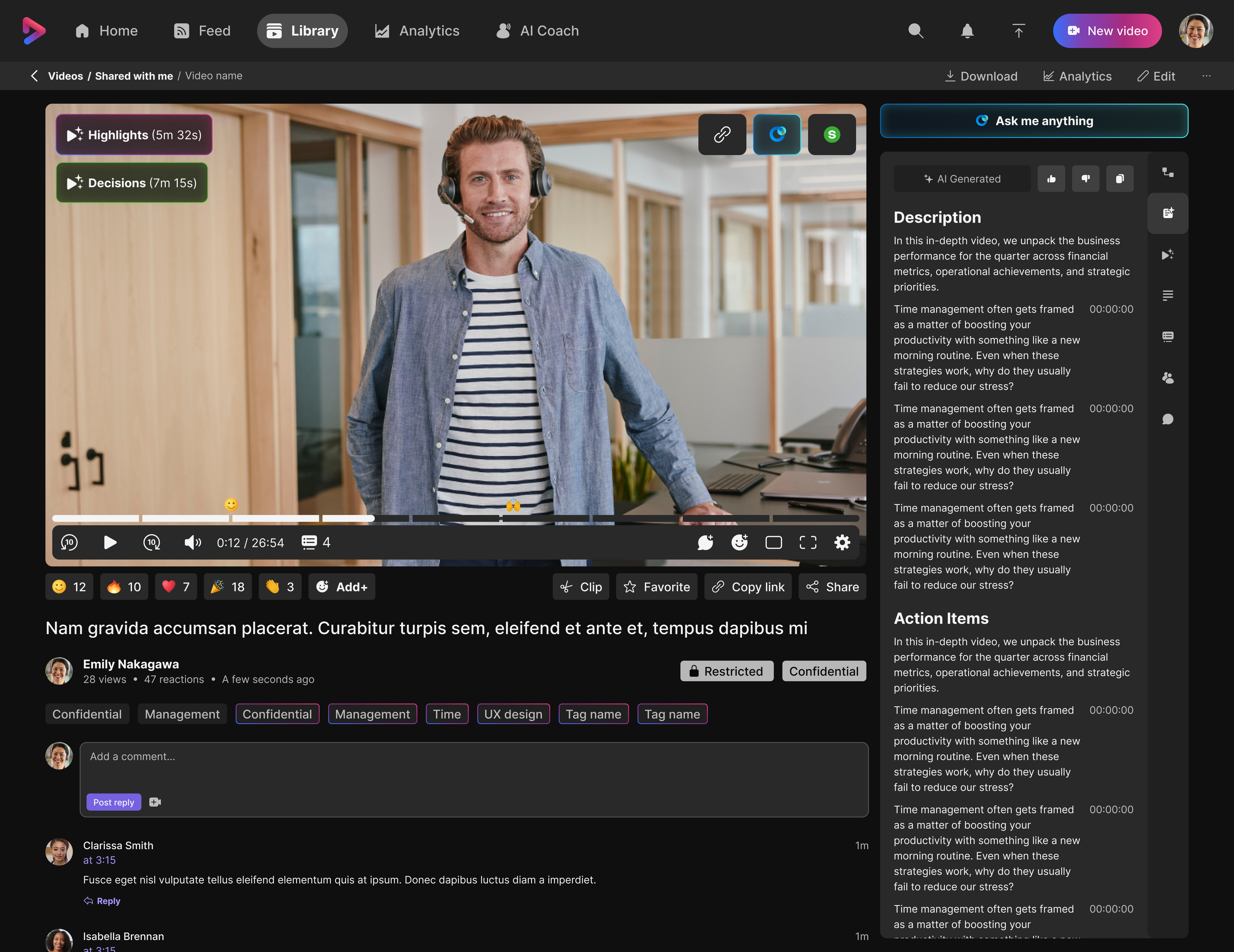
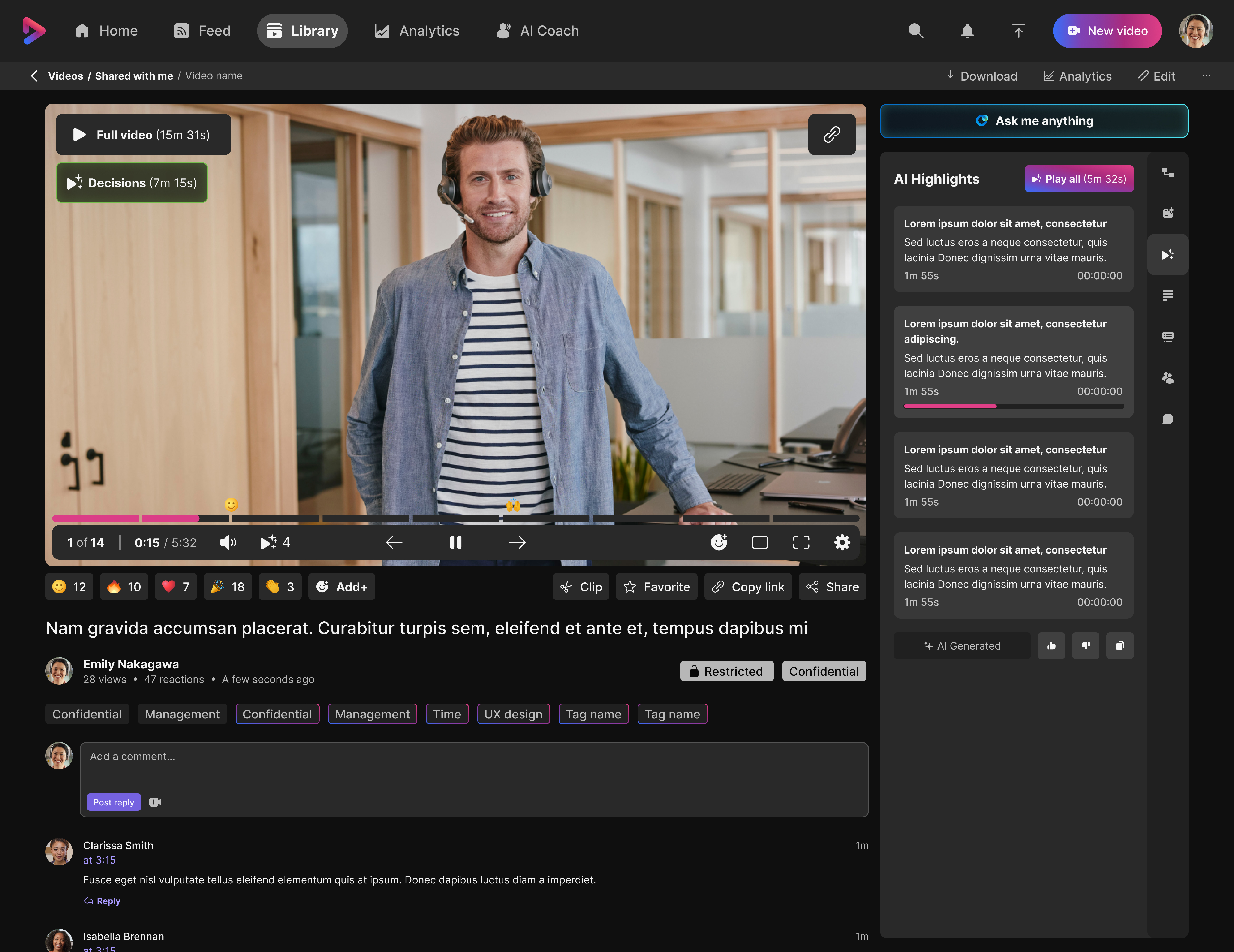
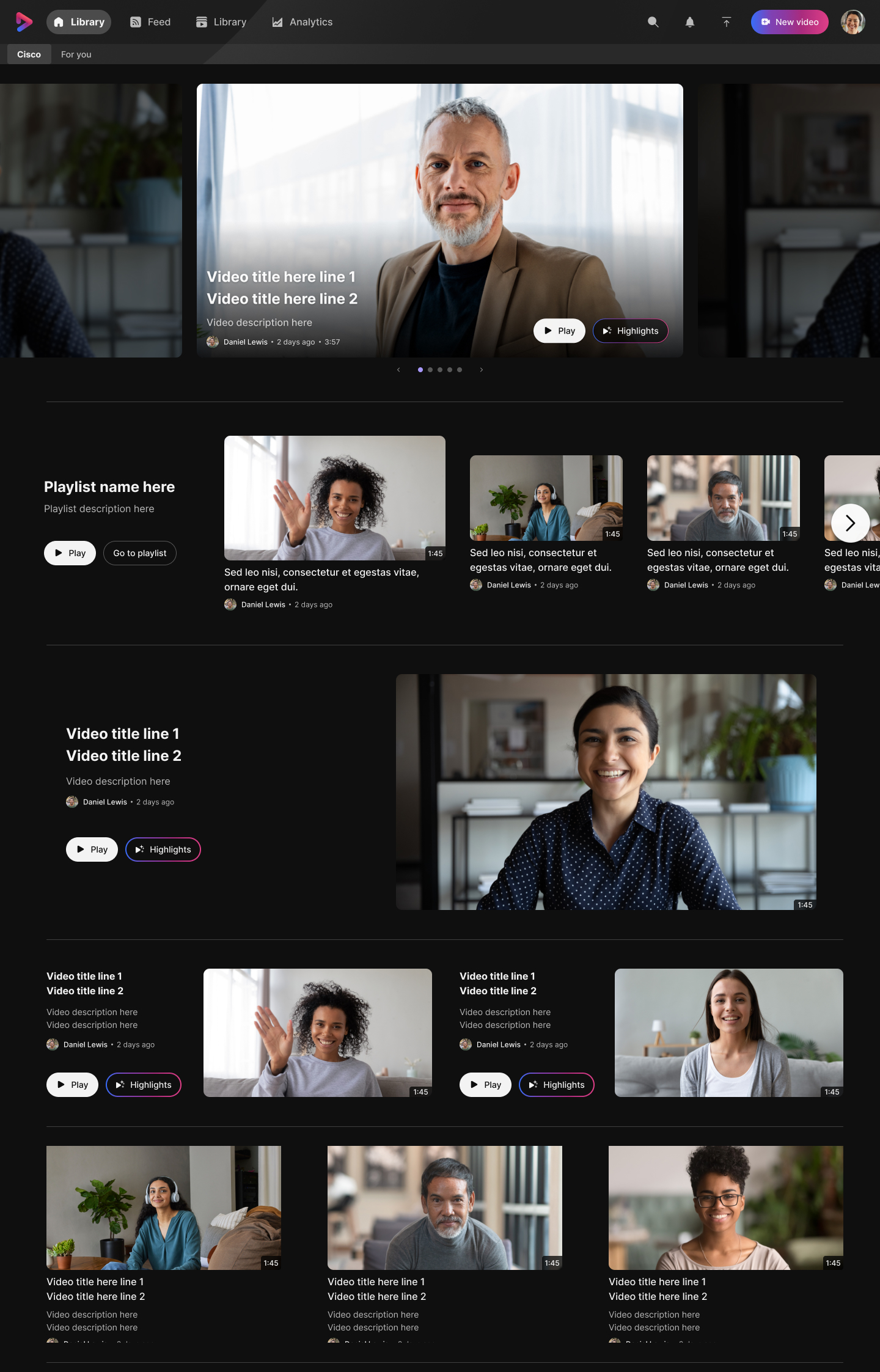
Playback, AI highlights, summaries, chapters, decision tree, AI coaching. Designed for the viewer with 5 minutes — not 30.
Discoverability
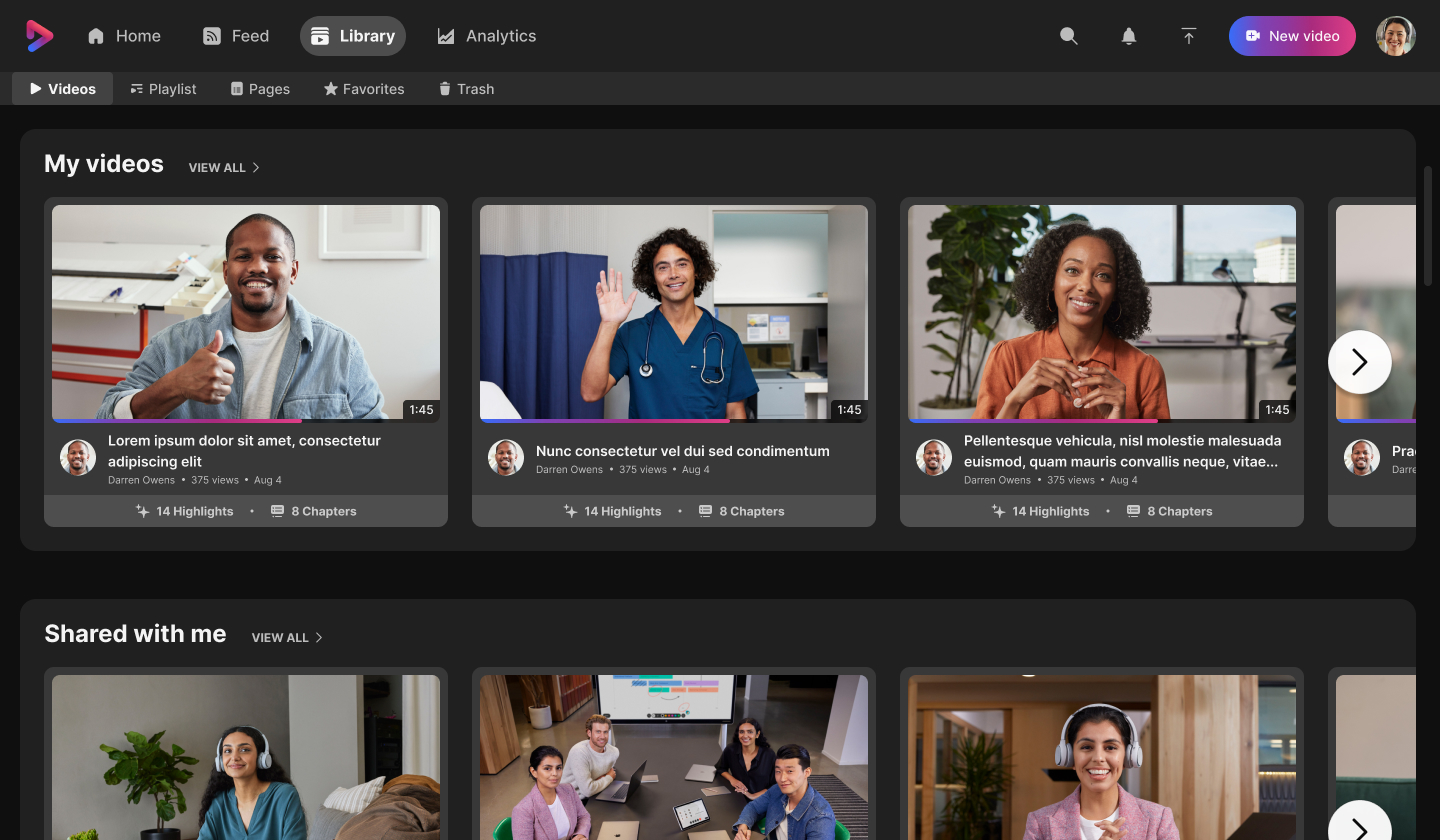
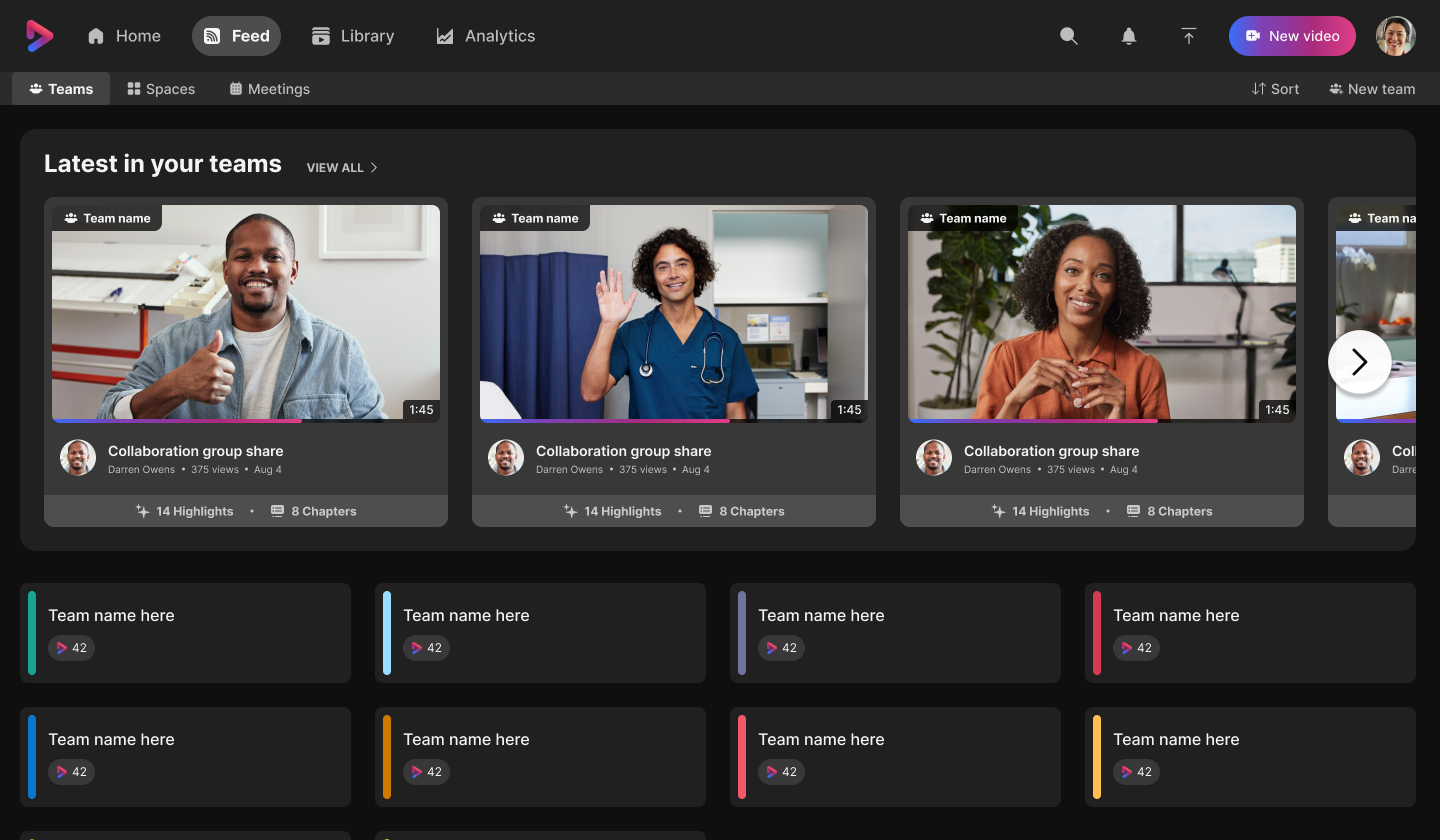
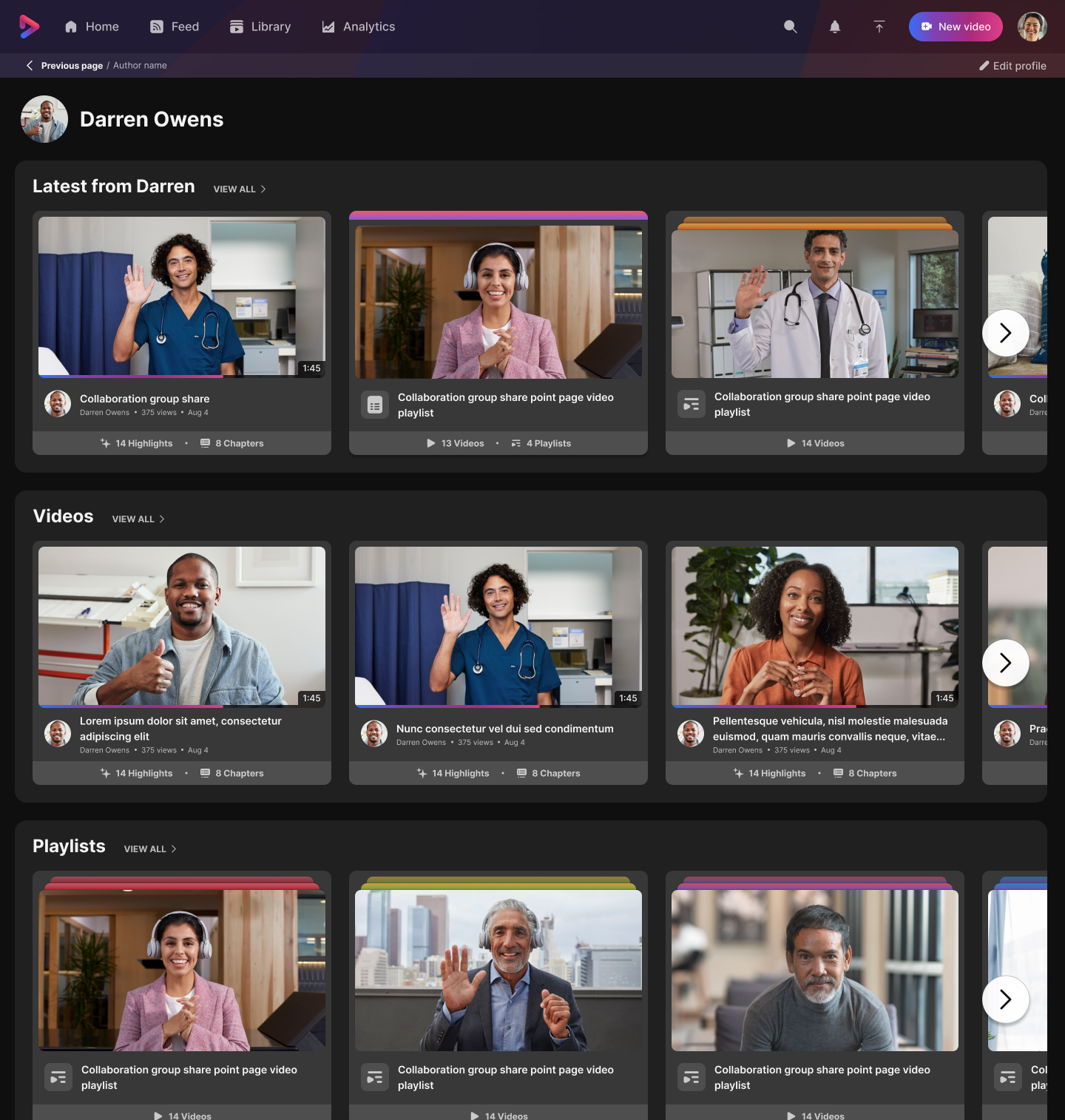
Homepage, feed, playlists, pages, sharing, permissions. The system that gets the right content to the right person at the right time.
Why I couldn't use Momentum — and what I built instead
Webex's Momentum design system was the obvious starting point. But it was fundamentally misaligned with Vidcast's pace and domain.
Momentum (Webex Design System)
- ×Compiled code — slow release cadence
- ×Built for chat & meetings, not async video
- ×New controls required going through another team
- ×Weeks of delay for every component request
- ×Fundamentally misaligned with Vidcast's pace
Vidcast Design System
- ✓Owned entirely by design — zero bottlenecks
- ✓Shipped with every monthly Vidcast release
- ✓Built for async video — purpose-fit components
- ✓Extended on demand as new features required
- ✓Figma library maintained and versioned by me
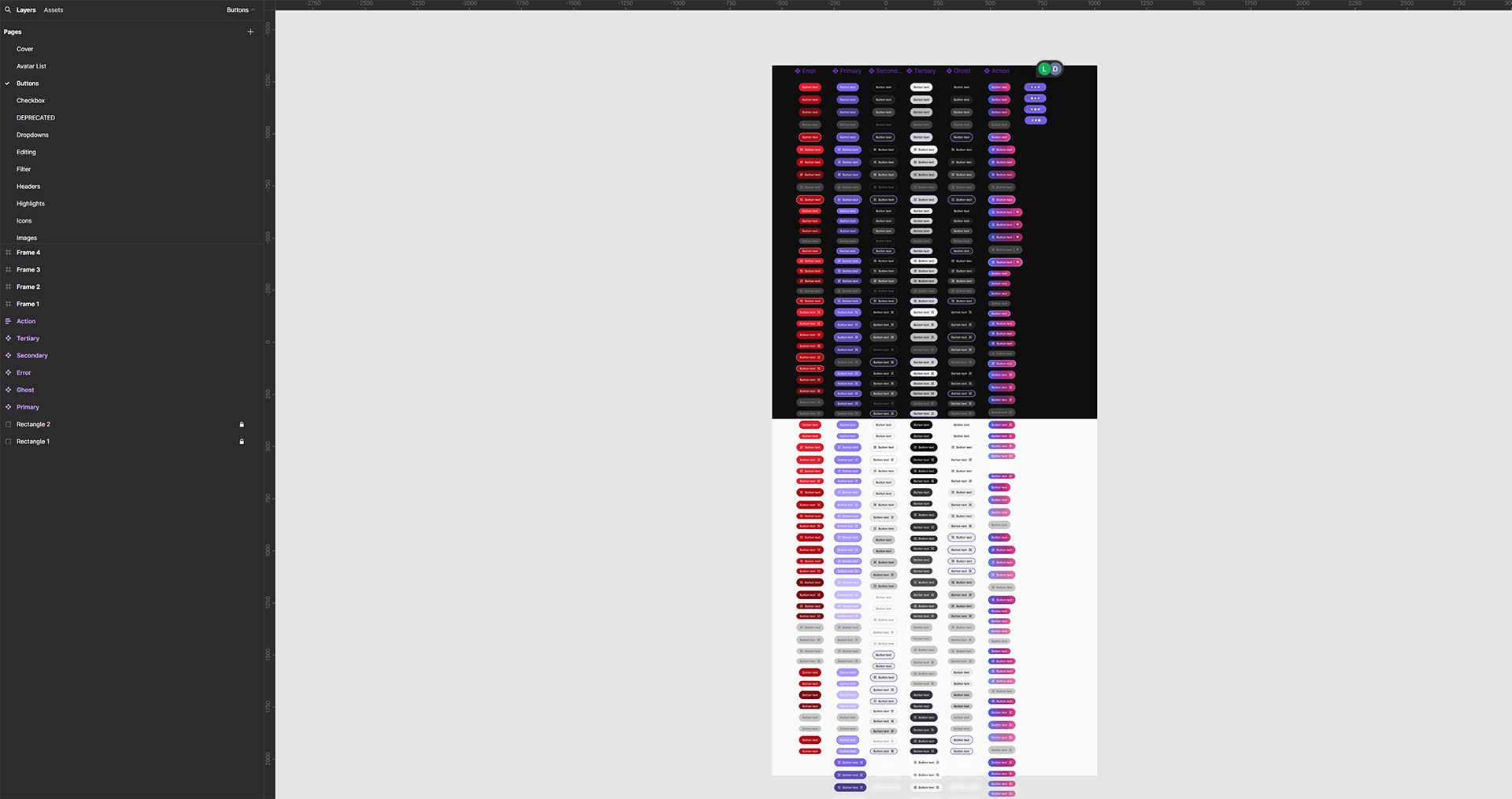
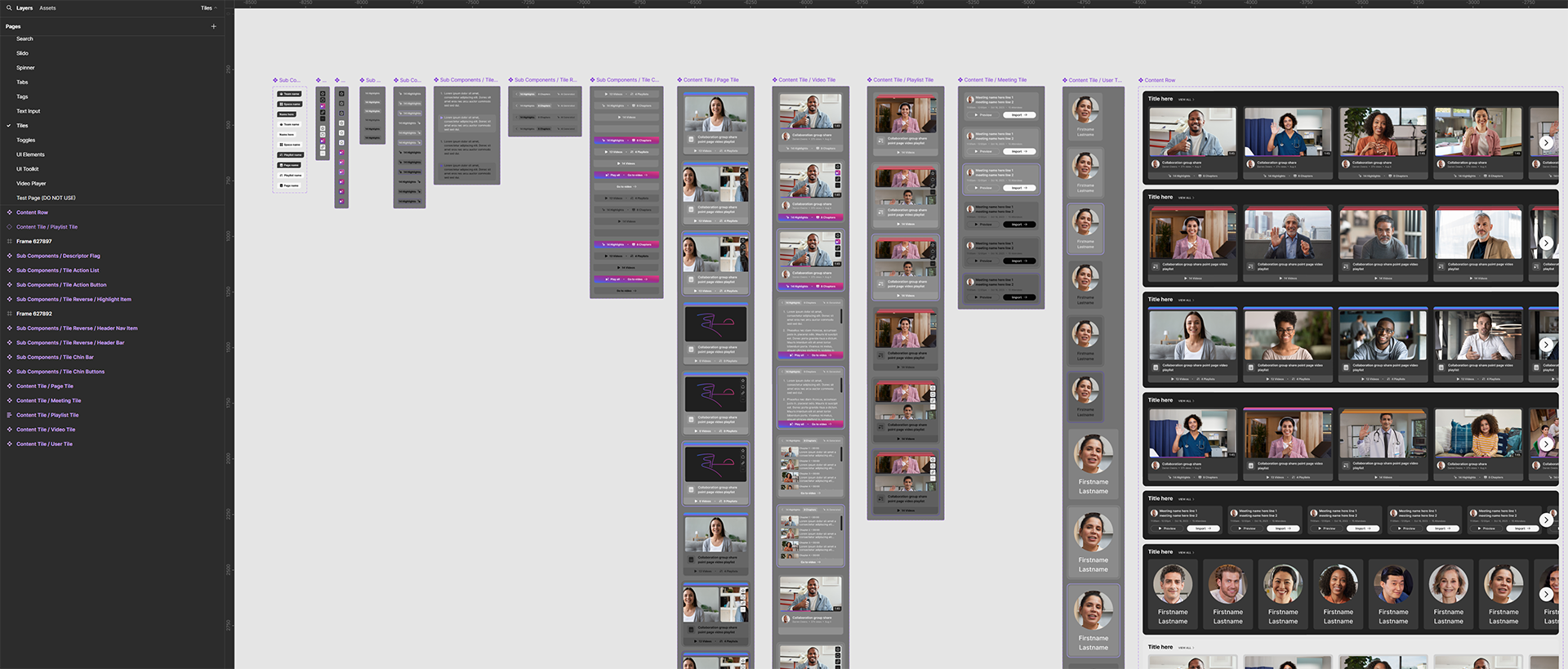
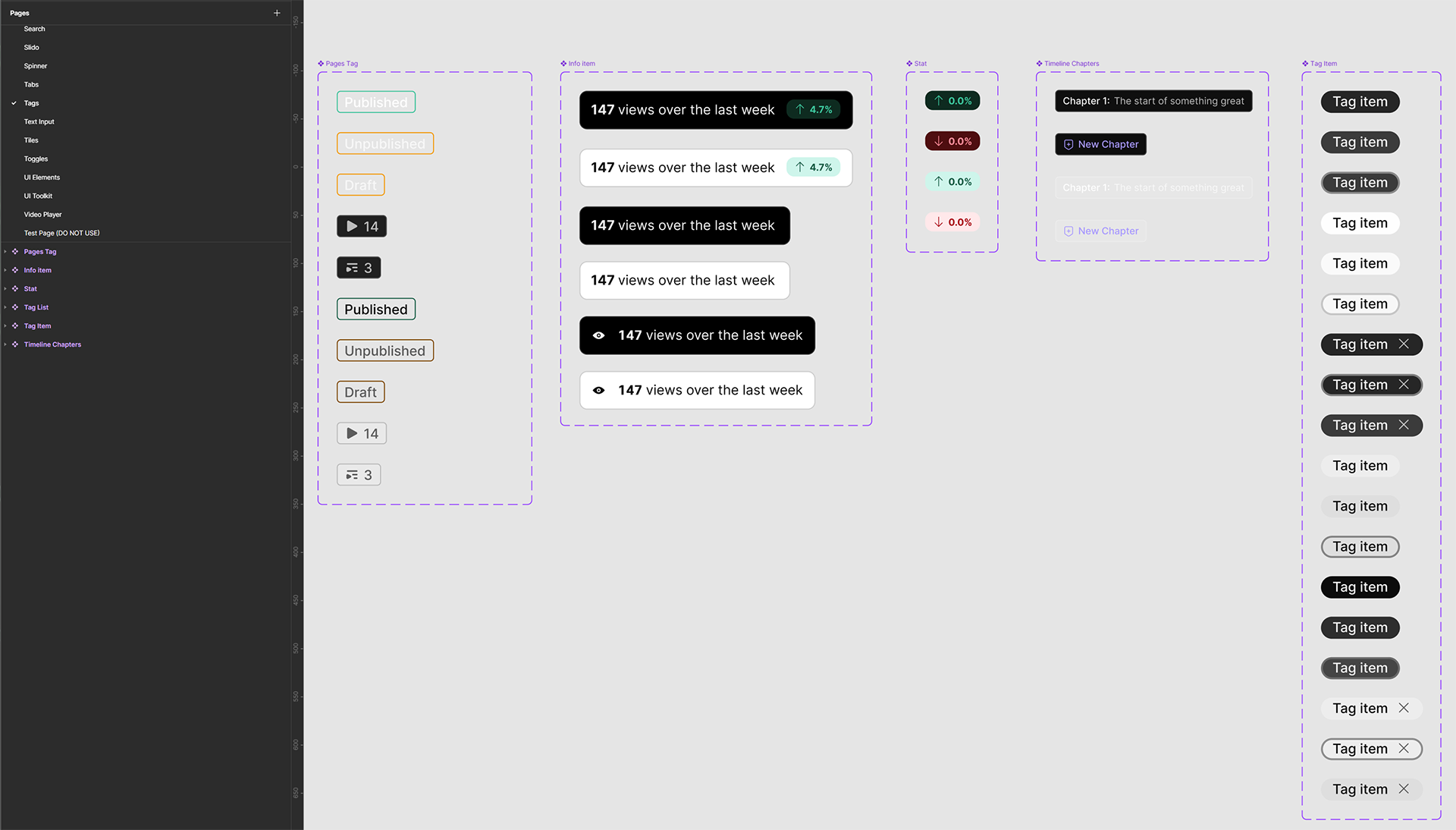
The Vidcast design system covered color tokens, typography scale, button system, navigation, cards & tiles, icons, modals, video players, notifications, badges & tags, data displays, toggles, full layouts, and list items — every component with every state, built from zero and used across every feature shipped.
Turning a failed audit into a competitive advantage
Vidcast failed its first accessibility audit. Most teams would have buried it in the backlog. Instead, I used the audit report as a multi-year engineering remediation roadmap — systematically working through every failure as product work, not a compliance tax.
The result: when an FCC mandate put most Cisco teams into a year-long bug-fix freeze, Vidcast was the only team that kept shipping monthly. The accessibility foundation we built wasn't just the right thing to do — it became a structural advantage.
"Championed WCAG 2.1 AA from the ground up — strategically using a failed audit to drive multi-year engineering remediation — leaving Vidcast the only Cisco team still shipping monthly when an FCC mandate put most teams in a year-long bug-fix freeze."
The product at scale